Camera interface - Statistics page
If you have set up Target Counting by Line in the Config > Event tile, track the results here.
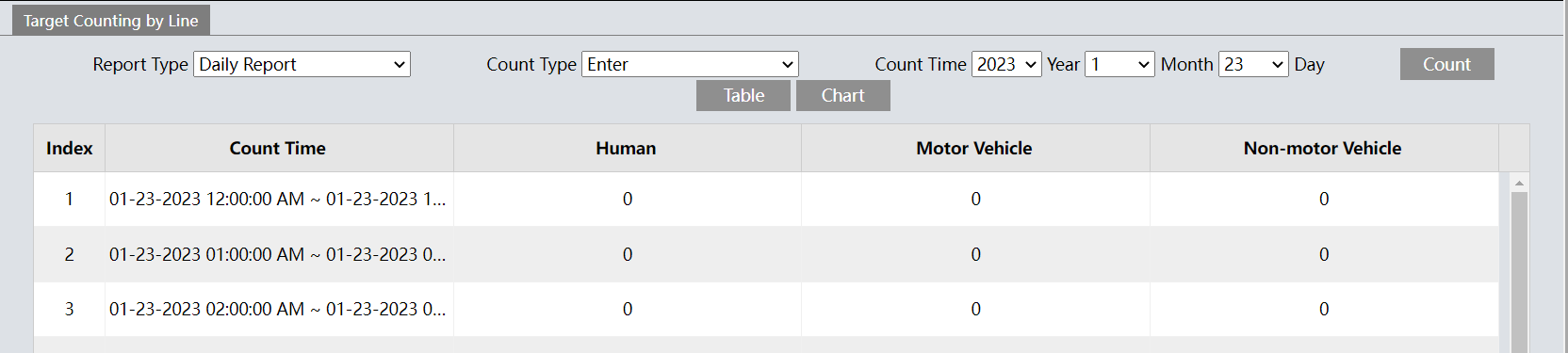
This provides target count tallies for humans, motor vehicles, and non-motor vehicles that crossed the camera’s lines.
Report Type: Choose to view:
-
Report Type: Daily, weekly, monthly, or annual.
-
Count Type: Select either entering or leaving.
-
Count Time: Set the time range for the data (selections adapt to the report type).
Click Count to generate a new set of data based on the selections made.
Click Table to see the data as a table (as shown above). Click Chart to view the data as a graph.